
Hey everyone,
It appears that people have issues downloading from Azerothica. I was doing some digging around and it appears that web browsers have started to only accept downloads from https and not http. That means I need to change a lot of my buttons for all of the downloads.
Alternatively you can right click on a button and click “save as”, and this should still make you able to download files in the download section.
I will look into changing all the remaining buttons in time.
– Esidien
I have spent quite some time on fixing this comment issue. My skills with PHP is very minor, though I do have some understanding of it. To my knowledge what happened is that after I updated to a newer WordPress version, something broke about the comments php file for the theme I use.
After looking into the code itself I basically kinda gave up after some time and decided to roll back around 1.5 months. However not much comments were lost in the rollback, but now using the previous version of WordPress has the comments working again. I’ll wait with updating and you can all freely comment on my site again =)
That said I wish everyone happy holidays once again to whoever you are, whenever you are. Know that I wish you well, happyness and joy ♥
– Esidien
As some might be aware of, you may encounter the message that the game cannot validate your version or something similar. To fix this you must go to the Data folder of World of Warcraft, find the filed named wow-update-base-17266.mpq and also go to the enGB folder within the data folder and find the wow-update-enGB-17266.mpq. You must move these two files out of the data folder. These two files contains data for the next wow patch 5.4.0 My fixed wow exe blocks wow from updating and the wow launcher will try to pre-download data for the next patch which should be released soon.
So like i wrote remove those files from data and enGB folder within data folder. And also do not use the wow launcher to open wow. Use the wow.exe or wow-64.exe to open wow, so that the launcher does not try to pre-download data for next patch. This is what is causing the issue.
Crypto Donation

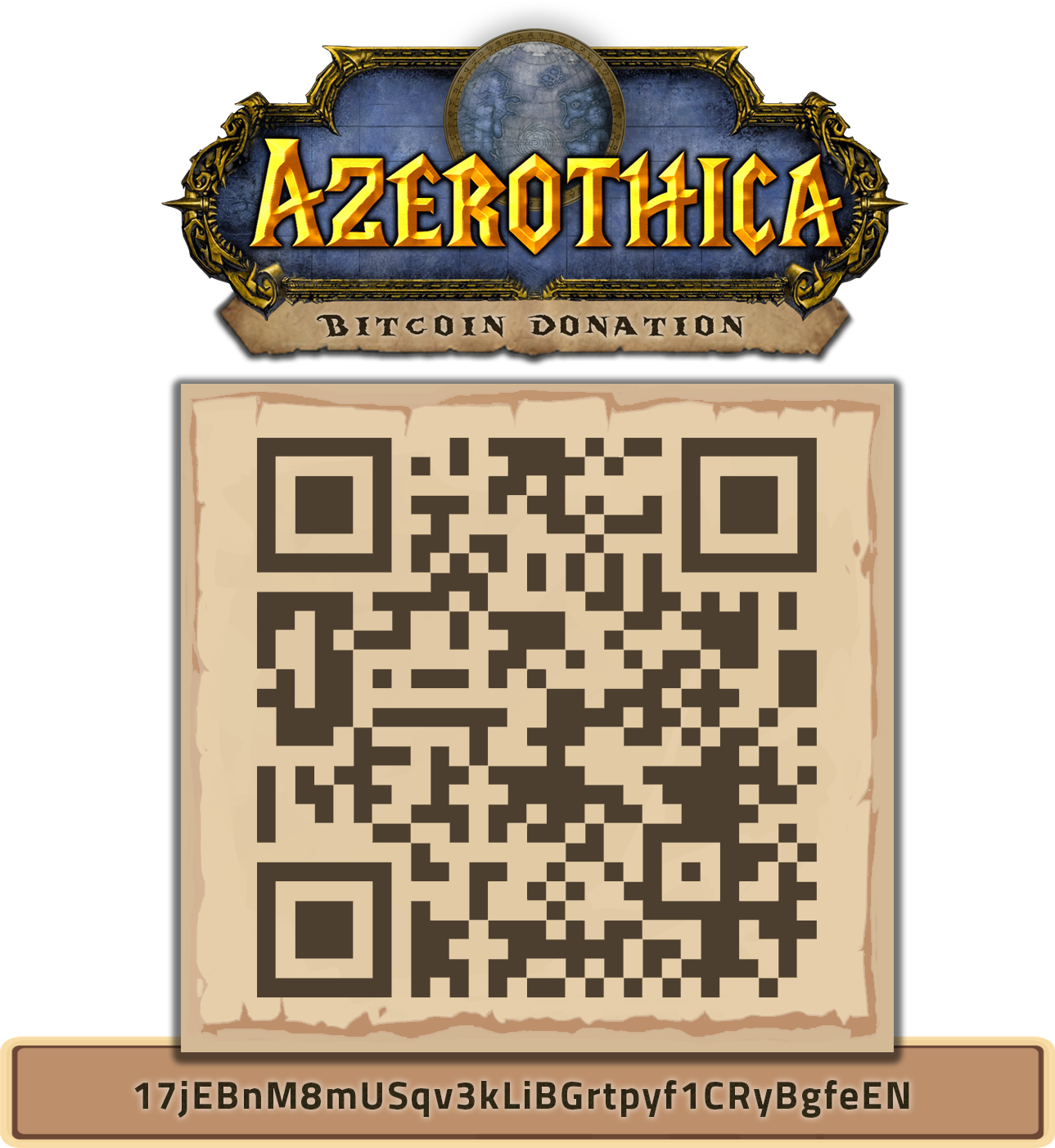
Bitcoin Address: 17jEBnM8mUSqv3kLiBGrtpyf1CRyBgfeEN

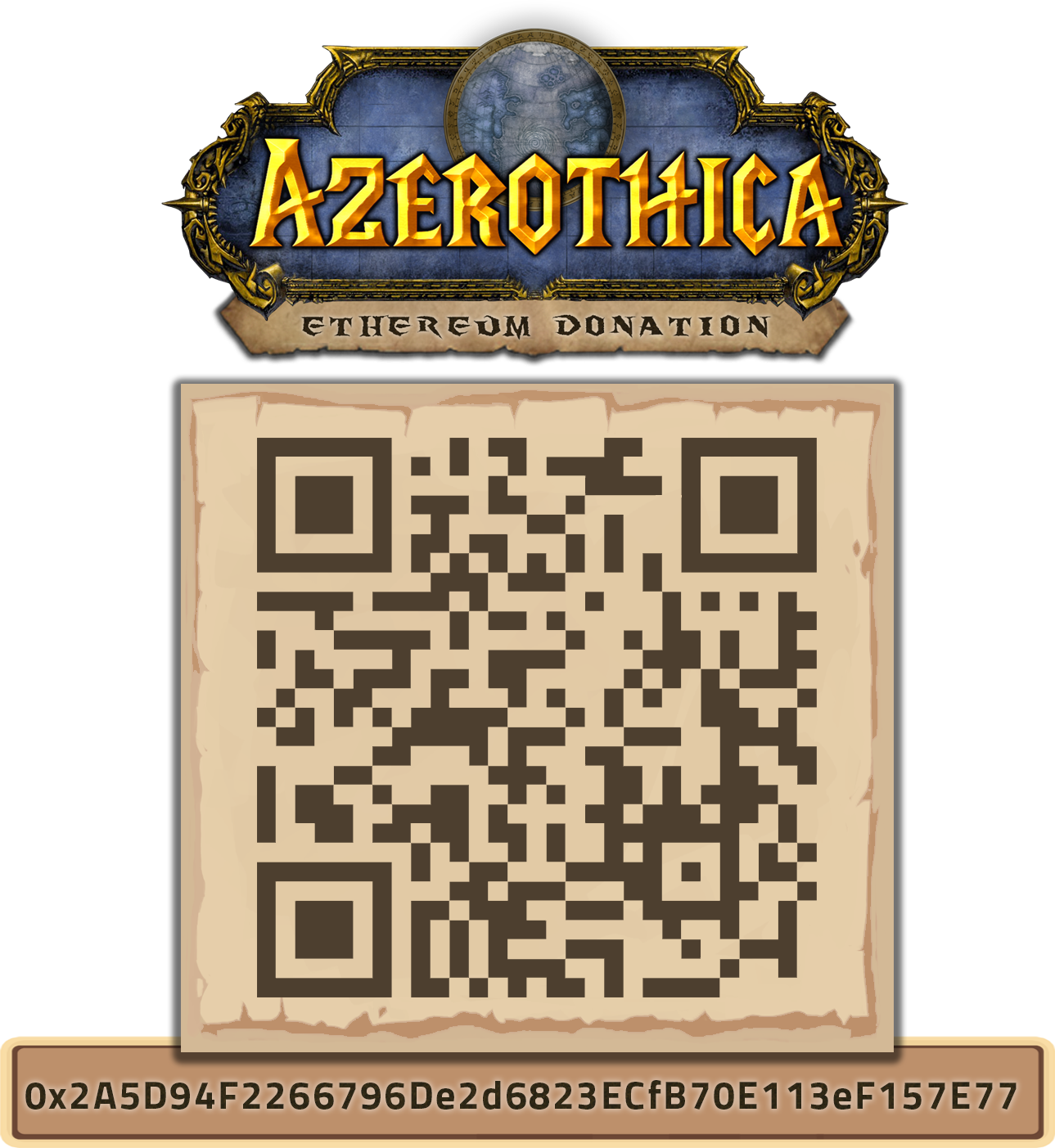
Ethereum Address: 0x2A5D94F2266796De2d6823ECfB70E113eF157E77

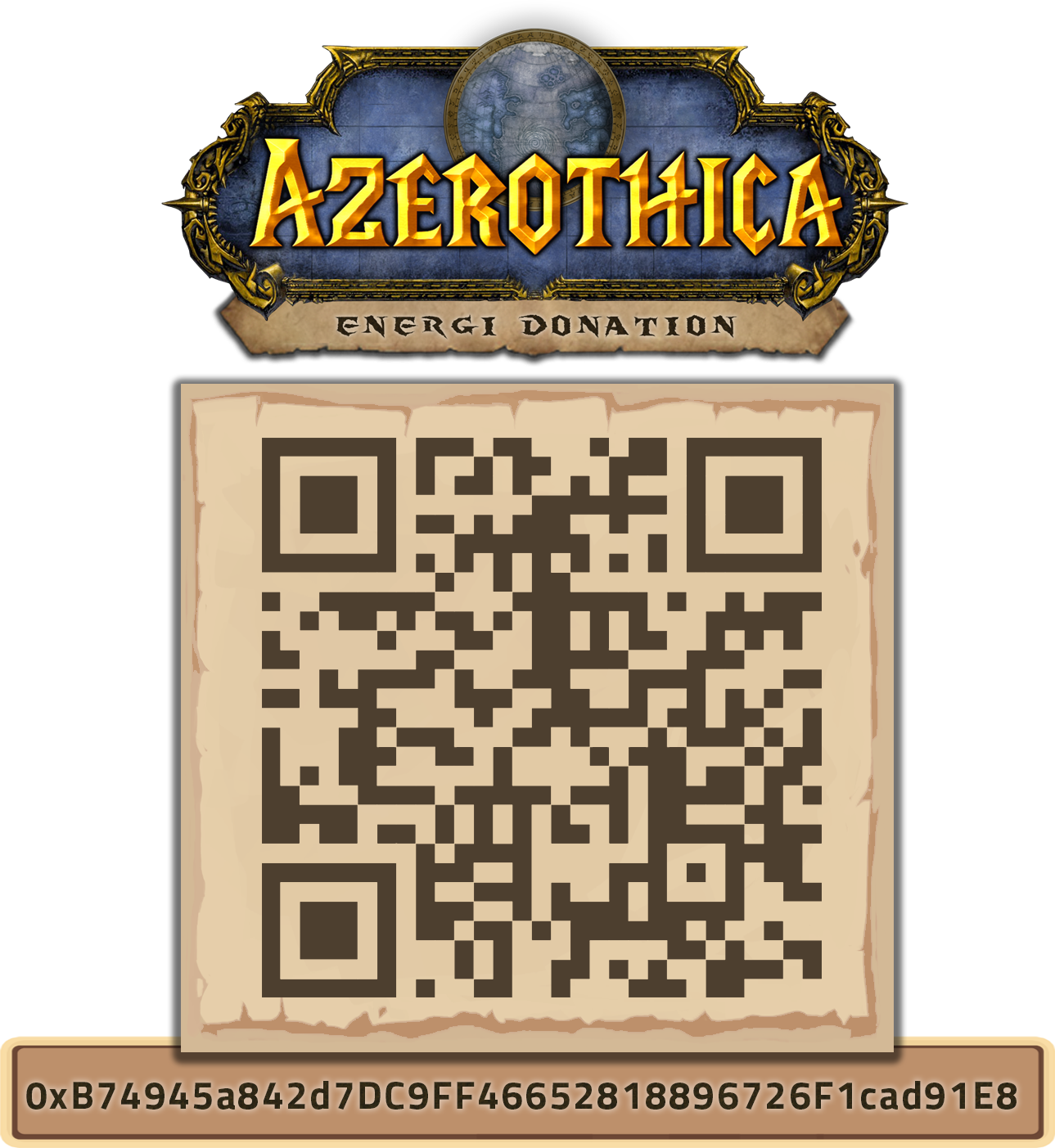
Energi Address: 0xB74945a842d7DC9FF46652818896726F1cad91E8
Recent Comments
arctium ne supporte pas ma version 3 je ne sais pas ce que cela veut dire n'y comment corriger cela…
This has now been fixed, thanks for notifying me =) Also it certainly depends on which version of WoW you…
I'm unable to register for your forum (403 Forbidden Error). I'd like to use your nude textures on my private…
ya descargue las 3 carpetas ahora donde saco el archivo exe fijo para reemplazarlo con el original
ya descargue los 3 archivos. Pero ahora de donde saco el archivo exe fijo para cambiarlo el original? heee
Looks like one of the succubi escaped from Azeroth and decided to charm the forum permissions again. =) I tracked…


Recent Images


I have not used arctium that is used today and so I can't quite guide you sorry