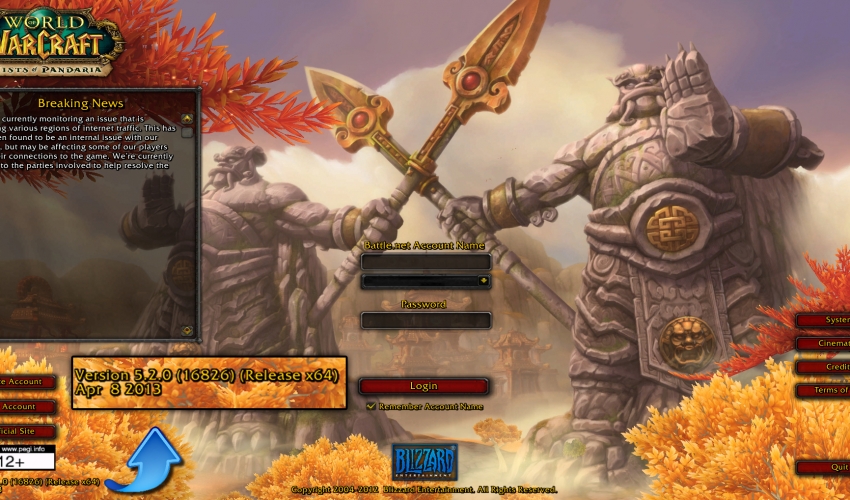
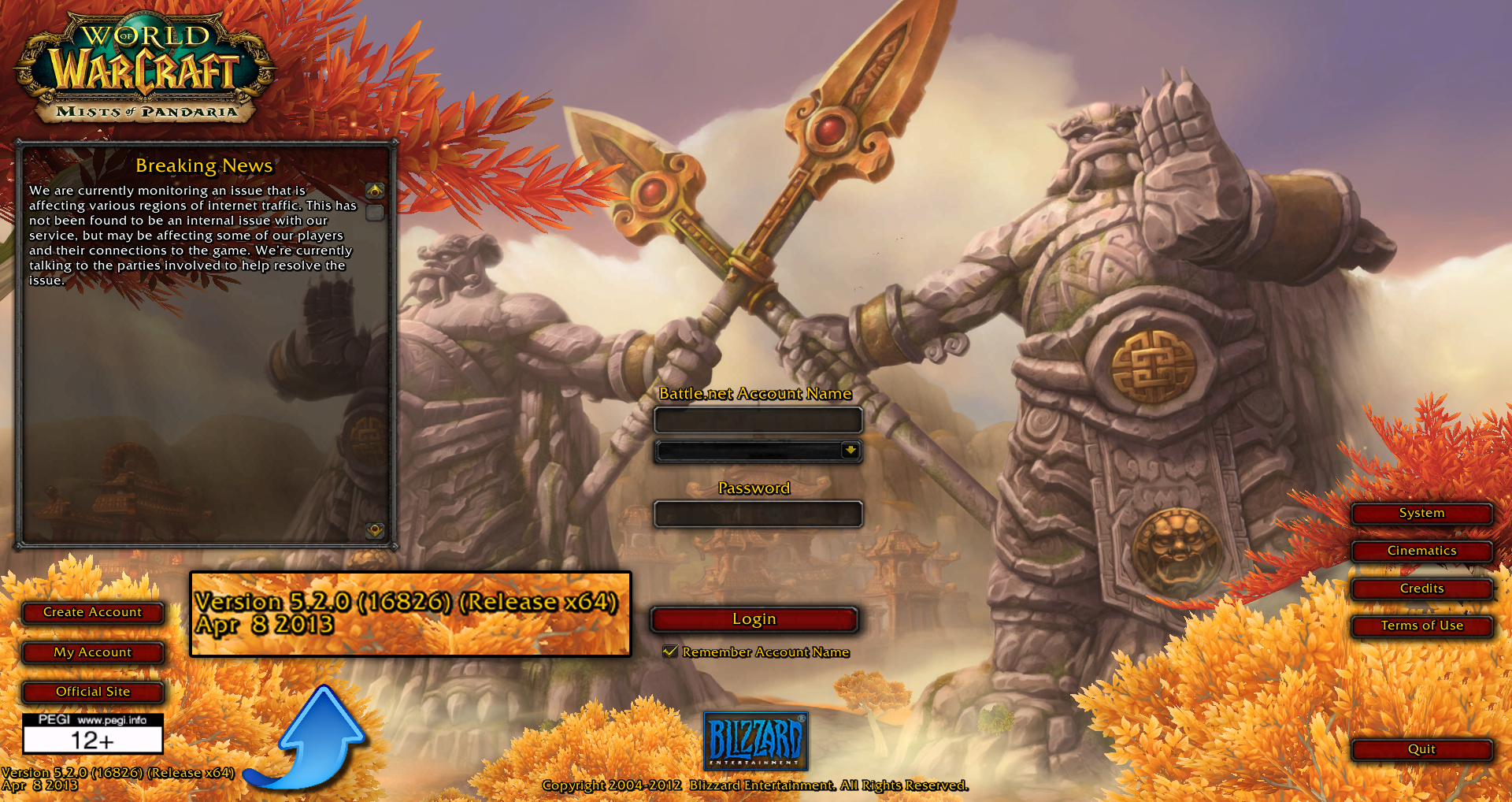
This is where you look for your World of Warcraft patch number.
How to install:
Please read the installation instructions found in the zip file you download from this fixed exe page.
[spoiler style=”fancy” class=”how-to-spoiler” title=”Frequently Asked Questions – Click Here”]
What does this fixed wow exe do?
The fixed wow.exe forces wow to open custom patches such as the Azerothica Nude Patch.
Why is it needed?
The fixed wow.exe is needed to run any custom patch that makes changes to 3d models. The Azerothica Model Change nude patch changes the female characters in World of Warcraft and that means this is needed for that nude patch to run.
“Cannot stream required archive data. Please check your network connection” Error:(Blizzard MPQs)

Reason:
Basically one or more of your Blizzard MPQs isn’t completed. Thus WoW is trying to stream data but can’t since the patched exe has “Wow.mfil” disabled.
Fix:
Go to the Html page made by Jh16 and select your locale. >>Clicky<<
Note: this isn’t completed yet so I will need help in knowing the structures in different Data folders. For the most part they should be the same, if you find something that is missing or needs to be changed please send me a PM to Jh16 on Darknest Here >>Clicky<<
After you select the locale find the MPQ that is listed in the streaming error and click on it and it will start to download.
If you want to backup your current MPQ you can remove it from its directory before you place the newly downloaded MPQ into its place.
Once you place the new downloaded MPQ into the location the original was located you should be able to use the patched exe.
If you continue to get streaming errors for different Blizzard MPQs just continue to download and place them into their respective directories until you are able to get to the login screen without a streaming error.
You can find a more extended F.A.Q here:
[/spoiler]
Note: Older fixed wow exe’s may not work on Private Servers, as they were ment for retail servers.
Make sure you backup your wow.exe before applying the fixed exe.

Fixed wow exe’s 7.x.x
Fixed wow exe’s 6.x.x
Fixed wow exe’s 5.x.x
Fixed wow exe’s 4.x.x
Fixed wow exe’s 3.x.x
1,142 Responses to Downloads – Fixed wow exe’s
new update v 7.0.3.22747 Plisss T_T
Patience she is working on it.:)
is this still being worked on? status on update v7.0.3.22747?
Yes it is still being worked on apparently.And i am beginning to be impatient a bit already just finished SC 2 first Expansion and still waiting on the new wow.exe
Esidien thanks for the speedy work get patch out 🙂
New patch just came out 7.0.3.22810 just a few seconds ago
Lol, figures they do an update right after I got ‘hold of the new models/textures for Legion, so I didn’t even get to enjoy em yet 😛
Hope for a quick update for the EXE 😉
love the new model edits Brilliant work and also yea i know you get used to blizz adding new updates every 2 weeks or so XD it gets annoying after awhile but Esiden got us covered and cant wait to test out the new mod.
New patch is out
Wow dont opens =(
go exe file in 7.0.3 (22594) plz )
New patch 7.1.0.22900.
New patch 7.1.0.22908.
Ty for the nice work and pleasure it gives to us
Why do I get kicked out of the game after I apply the patch… It says something about memmory…
This I’m not sure about Phil. If you have any old nude patch content from earlier, you need to delete it. It can be within character, creature, item, folders. Getting these folders from wow removed and re-applying with the new nude patch content could help.
Hey… so I’m trying to get this to work and its refusing to do so… it keep saying i’m disconnected lil help?
and I’m talking about the latest one there is no older patches
it gives You have been disconnected. (BLZ51901011) on log in screen.
Try run a repair of wow, you can do this while in the battle net launcher. Theres a small blue cogwheel icon just under the world of warcraft legion logo with the text options next to it. When clicking this, try hit scan and repair. This might take 15-20 mins depending on how fast your hard drive is as it is scanning through all of the wow data =)
didn’t work….
didn’t work….
I’m not sure Arios, try search on google for that error code BLZ51901011 and see if you find anything =)